SEO fixes for your OpenCart store: one line in the theme header
There is no separate SEOAsist extension for OpenCart; the connection is SEOAsist Pixel. You put the script in your theme's header file or in a header-code extension once, and the title, meta description, canonical, H1, image alt, Open Graph and JSON-LD rules you approve in the panel are applied in the visitor's browser.
Product, category and information pages are fixed the same way, and your store is crawled every night against 60+ technical rules.
No credit card required · First crawl in 5 minutes
How it works
Three steps, set up once.
- 1
Copy the script
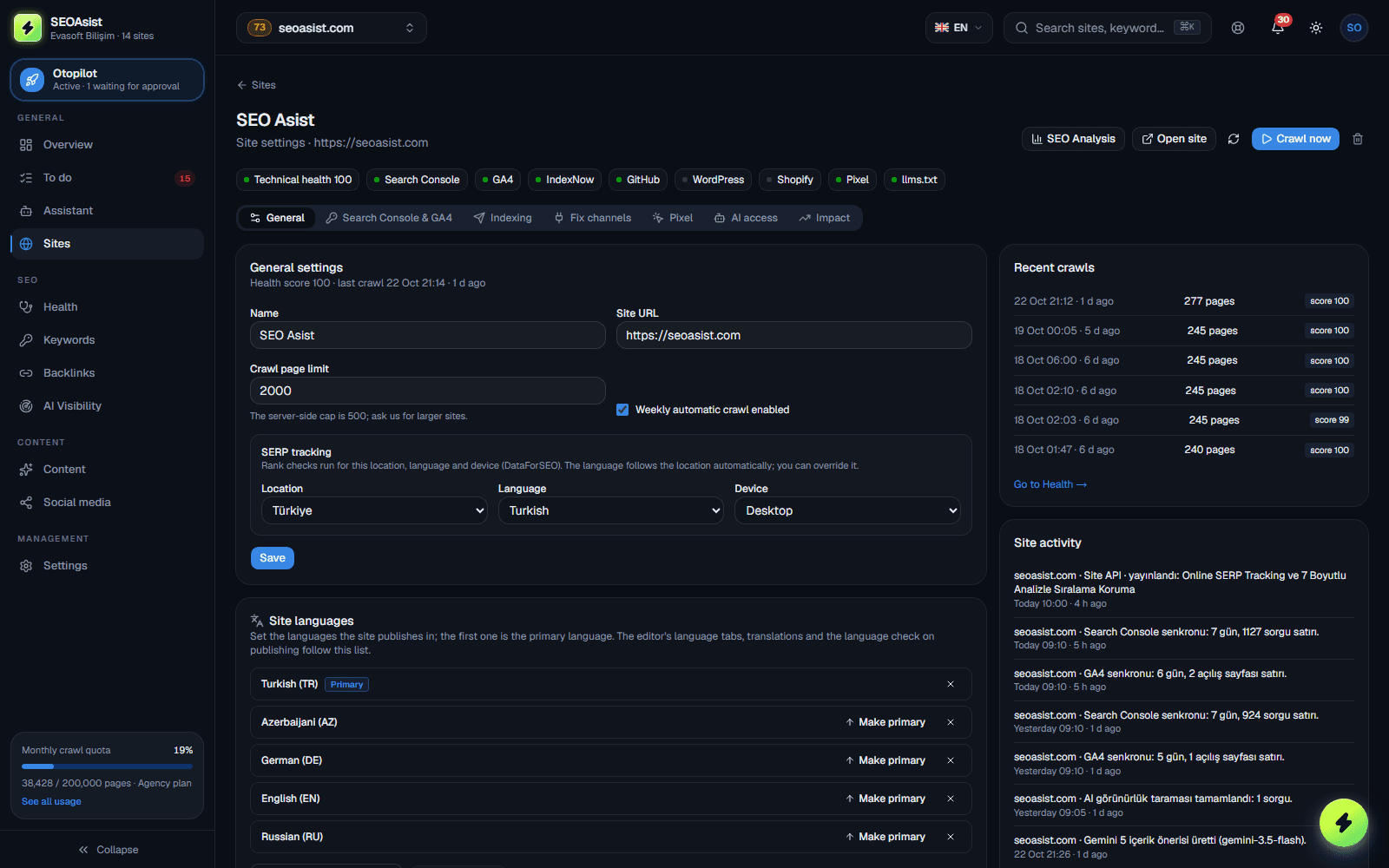
Copy the single line from the Pixel card on the site page, already filled in with your site key: <script src="https://seoasist.com/px.js" data-site="SITE_KEY" async></script>
- 2
Add it to the header
Paste the script inside the head tag of your theme's header template, or add it to all pages with a header-code extension. If you switch themes, move the script to the new theme too.
- 3
Approve the rules
The nightly crawl finds issues and the panel suggests fix rules. A rule you approve applies on the next page load; undo it whenever you like.
What it does
Exactly what SEOAsist does for your OpenCart store today.
11 rule types
title, meta description, canonical, H1, image alt, Open Graph, JSON-LD, hreflang and more. One rule covers many pages, without opening each product in the admin.
Nightly crawl
The store is crawled in a real browser: 60+ technical rules, mobile checks, structured data and Core Web Vitals. New issues are in the panel by morning.
Nothing live without approval
By default every rule waits for your approval. Every rule that goes live can be undone from the panel.
Rankings and AI visibility
Your Google rankings and your visibility in ChatGPT, Gemini and Perplexity are tracked; Search Console and GA4 connect.
Blog posts in the panel
Posts are prepared in the panel. There is no automatic publishing to OpenCart: you copy the text and add it to your store.
Morning brief
What was found overnight, what changed, what needs your approval: one brief every morning.
Approved rules instead of product-by-product SEO
In OpenCart, SEO fields are filled in product by product and issues are noticed only when someone looks. SEOAsist finds them every night and suggests the fix; you approve it.
- Audit, fix and measurement in one panel
- One rule for many pages at once
- Rules keep working on Free while the script stays
- Every rule can be undone
- Every product's SEO fields typed in one by one
- Audits, rank tracking and content in separate tools
- New issues surface only when someone checks
- No record of changes, no undo
Frequently asked questions
Does Google see the changes the Pixel makes?
Google renders JavaScript and sees the changes the Pixel applies. Bots that do not run JavaScript may not see them.
Where exactly do I add the script?
Inside the head tag of your theme's header template, or in an OpenCart extension that adds header code. What matters is that the script loads on every page of the store.
Do my rules disappear if my subscription ends?
No. While the script stays on the site, rules keep working on the Free plan too. If you remove the script, rules stop applying; you can also undo each rule in the panel.
Is setup paid?
No, setup is free. The 14-day trial needs no card, and after your first payment the TRY price stays fixed for 12 months. Support is provided through tickets.
Get your first crawl in 5 minutes
Start on the free plan, add your sites, connect Search Console. Bring your team and clients when you are ready.
On our own sites (9), 45 tracked keywords climbed into the top 10.
- Auto-fix on every site in your plan
- 14 days free, no card
- Price fixed for 12 months
- Fixes stay on your site if you cancel
- Free setup
